Property inquiry
Is the 140 m² unit still available? What payment plans are offered?
For property teams handling inquiries across Facebook and Instagram
Keep assistant setup, inquiries that need attention, project content, competitor checks, ad results, and the wider performance picture connected throughout the journey.
No credit card • Guided setup • You control business context and response tone
Property inquiry
Is the 140 m² unit still available? What payment plans are offered?
Assistant reply
A reply grounded in the business information and tone you define
Follow-up needed
Keep important cases visible instead of losing them in the message flow
The pressure of daily detail
The questions repeat, but each buyer arrives with a different priority. The goal is not simply a faster reply—it is keeping the details that matter visible to the team.
Opportunity Thread
Each stage keeps a distinct role: daily operations first, followed by a broader view of the market, campaigns, and performance.
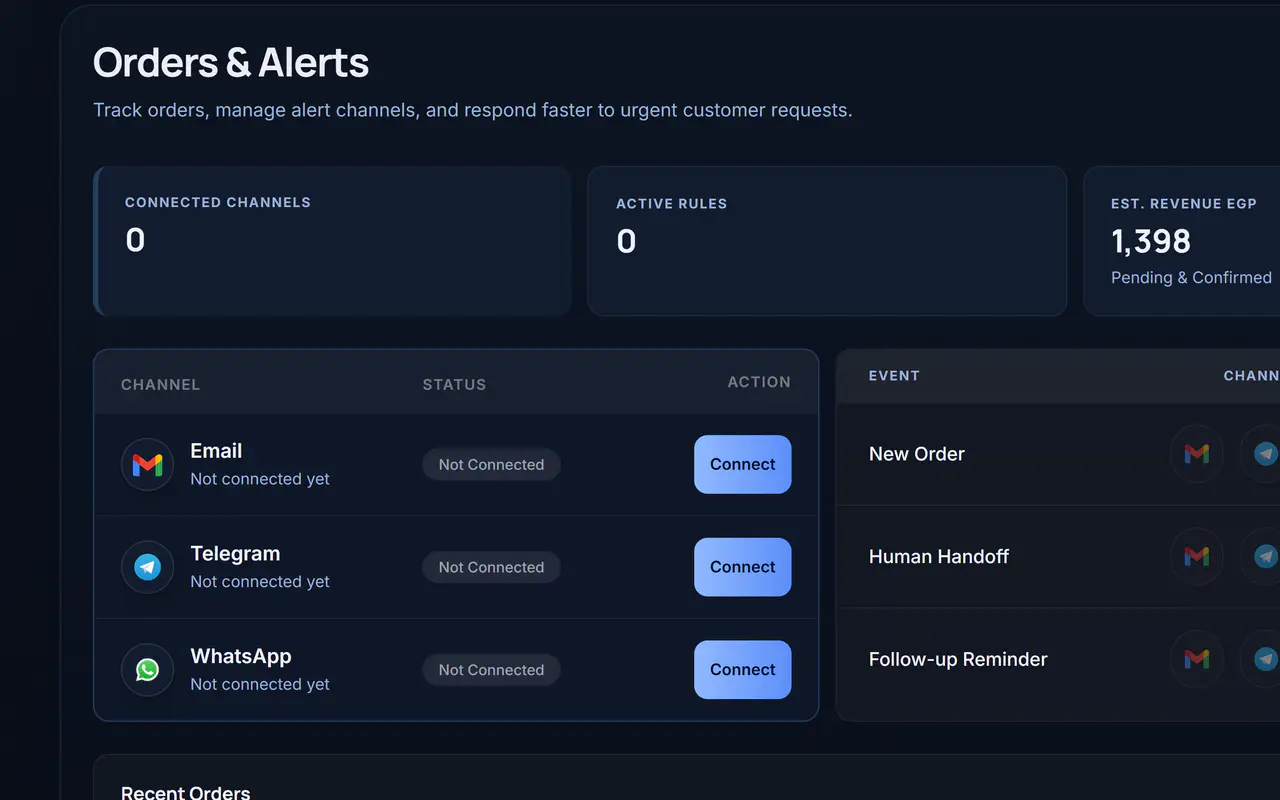
Assistant setup
Add your business information, define the response tone, and review automation settings as your property portfolio and process evolve.
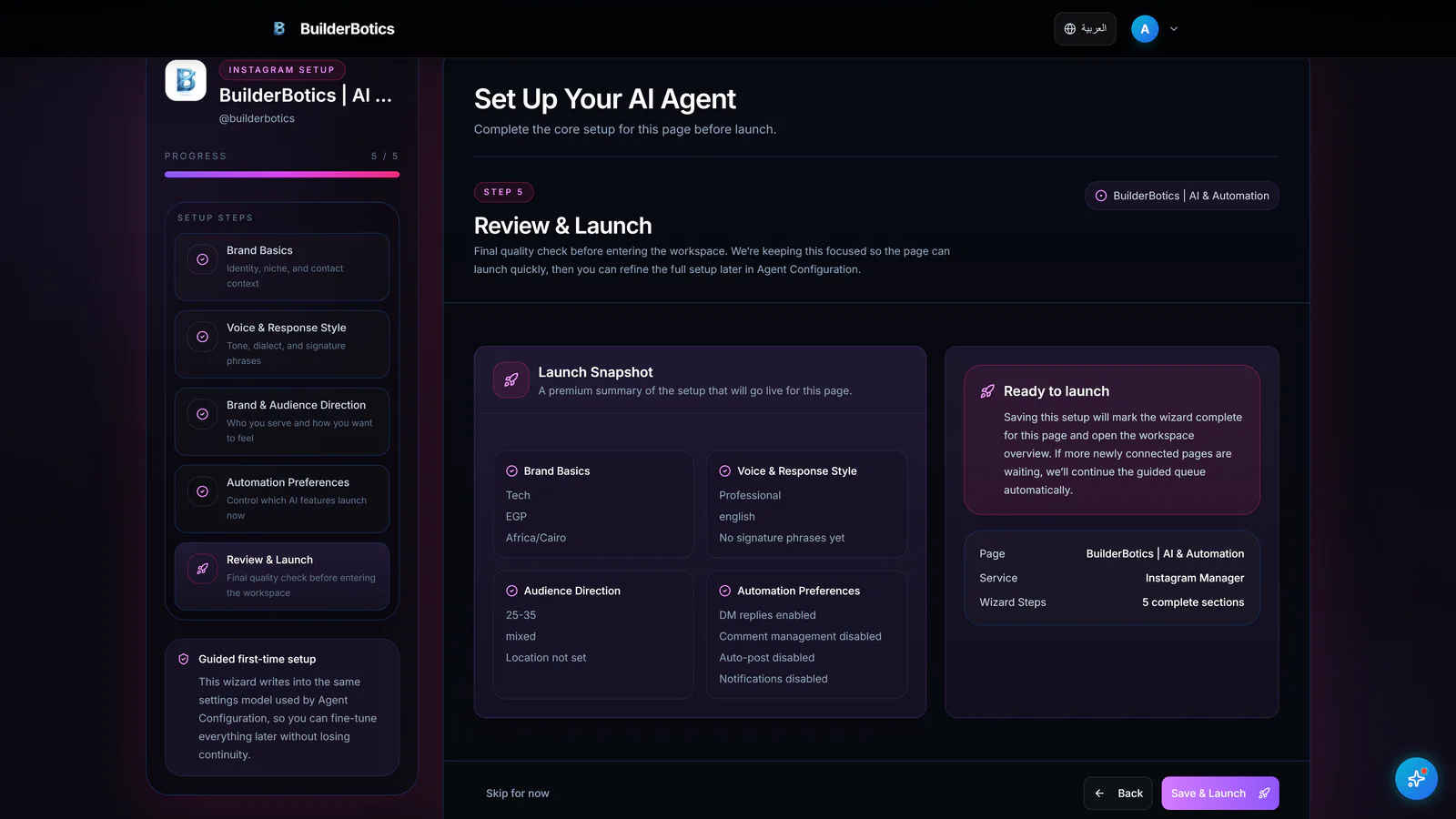
Business context • Response tone • Automation settings
Alerts and follow-up
Surface the conversations and cases that still need attention, so meaningful details do not disappear into the daily message flow.
Human handoff • Follow-up reminders
Property presence
Prepare project updates, offers, payment-plan explainers, and useful property content—then review and schedule it in the same workflow. Publishing is available where supported.
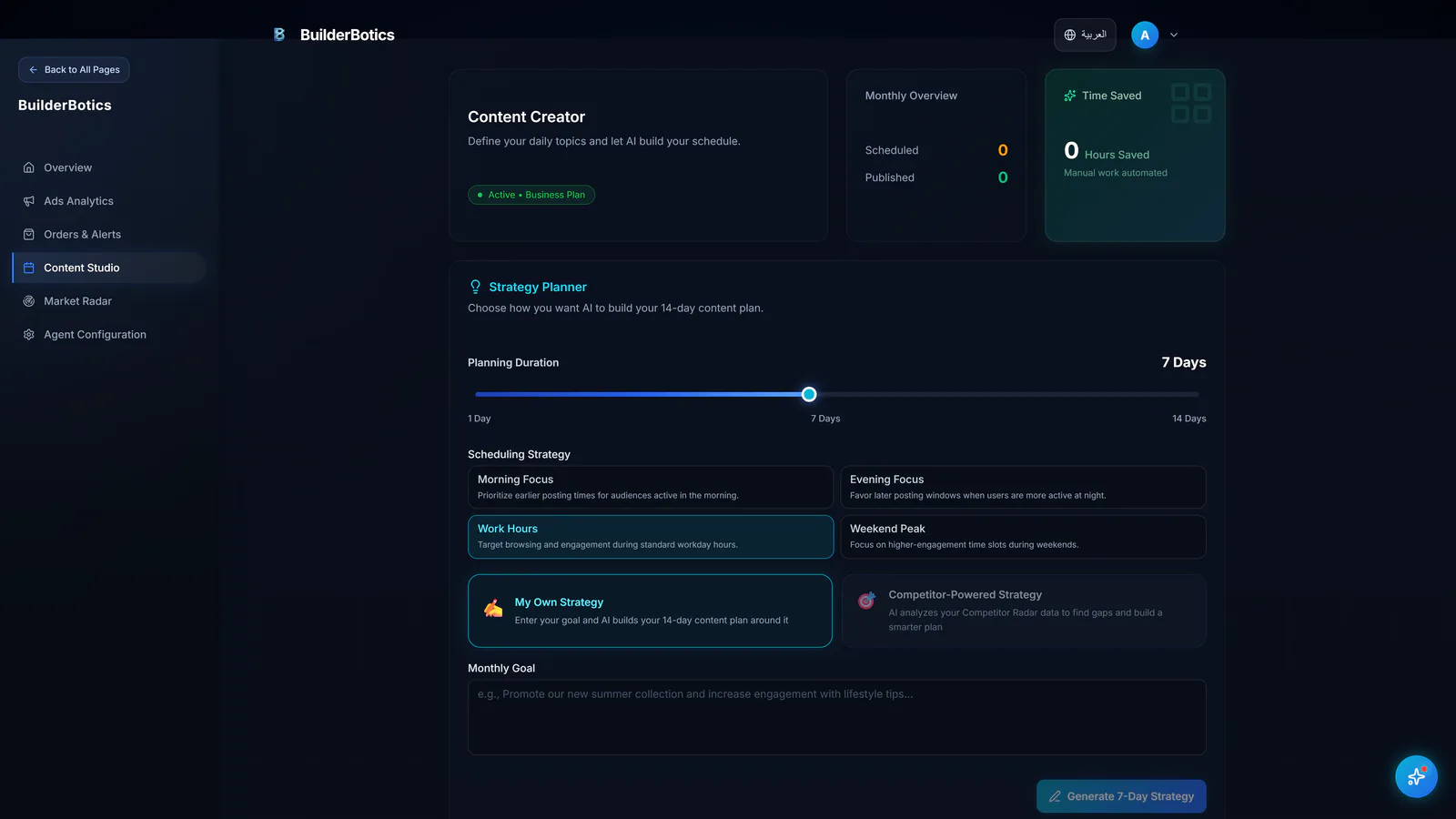
Projects • Offers • Review • Scheduling
Market Radar
Review available public competitor content and offers, notice recurring themes, and understand how projects are positioned before shaping your own decisions.
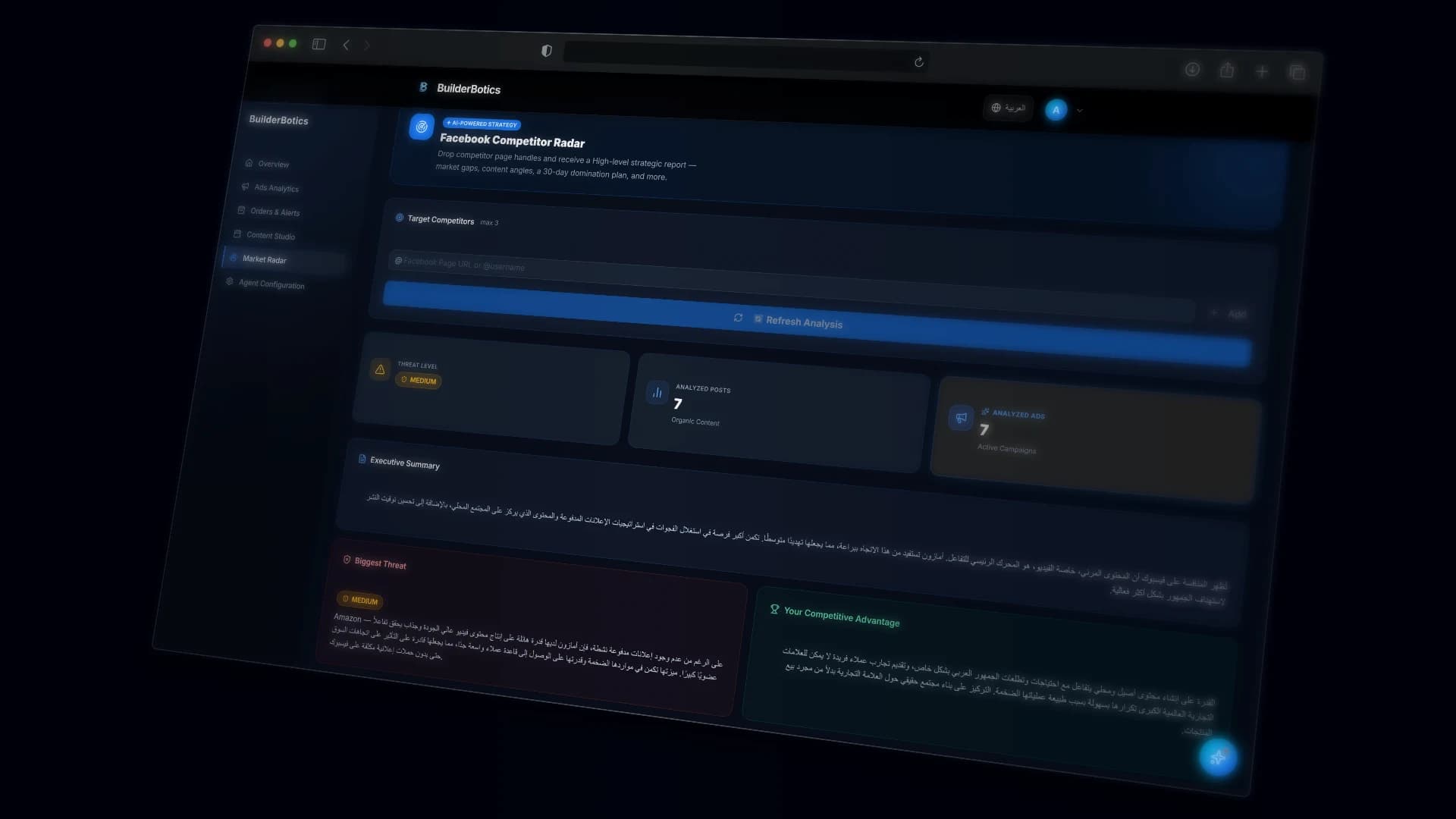
Public content • Available offers • Positioning themes
Ads Analytics
Compare campaign status, available results, spend, and cost per result without treating each metric as an isolated number.
A clearer campaign review space
Performance Overview
Review available page and account indicators, including reach, engagement, and broader activity, to understand performance beyond a single campaign.
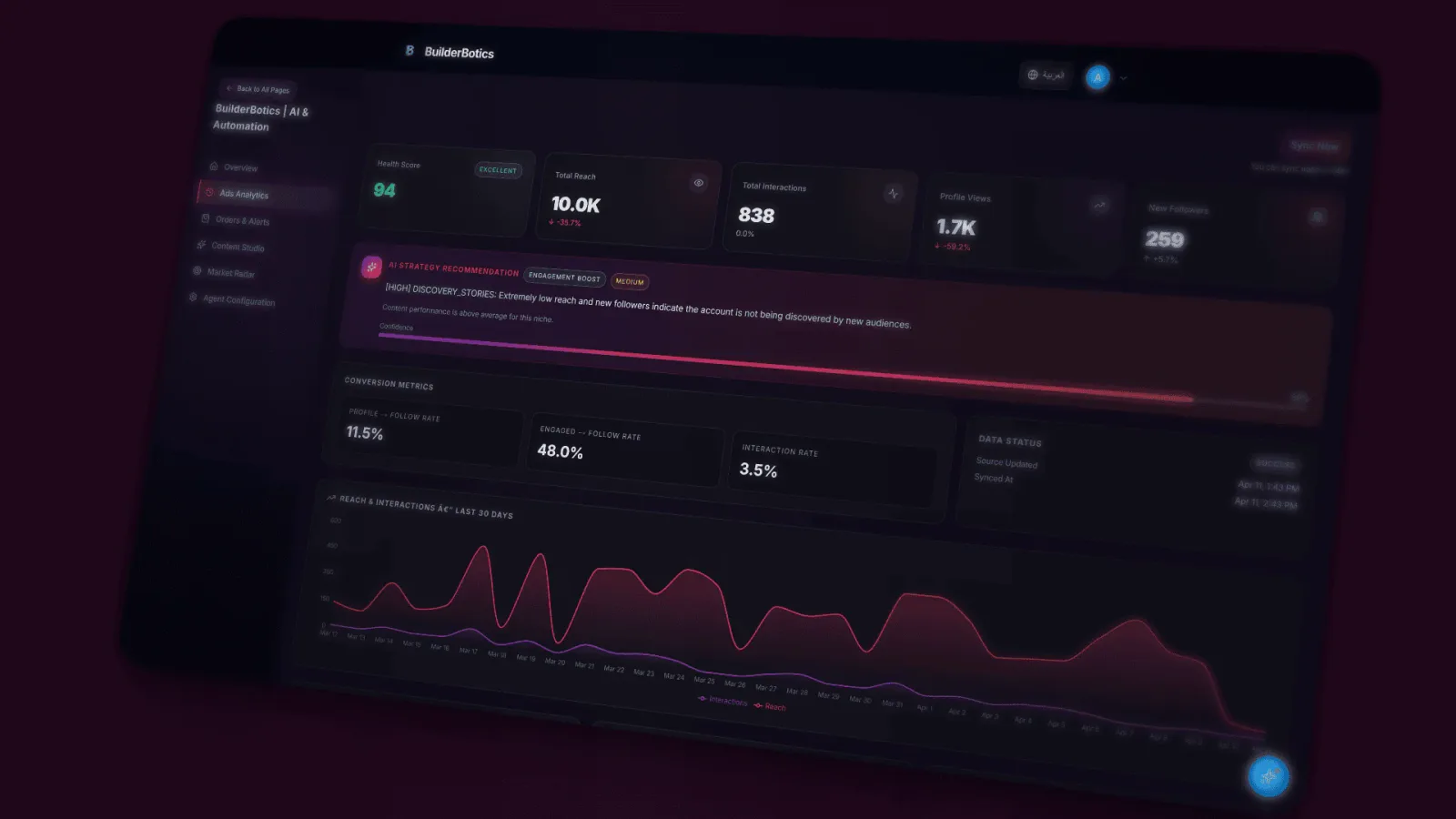
Account • Page • Content • Overall activity
The connected workspace
BuilderBotics
A connected view of daily work and marketing performance
Clear boundaries from the start
Direct answers about follow-up, control, and where the product stops.
No. BuilderBotics supports assistant setup, follow-up, alerts, content, and marketing visibility, but it is not positioned as a complete real estate CRM replacement.
We do not make that claim. Replies depend on the business information and settings you provide, while important inquiries still require the appropriate follow-up.
Yes. You can review and adjust business information, response tone, and supported automation settings.
Drafts can be reviewed, edited, and scheduled. Publishing capabilities vary by channel and plan.
No. It relies on available public activity and content within supported capabilities.
No. You can start the 7-day free trial without a credit card.
Pricing
Try BuilderBotics for 7 days without a credit card, then choose the plan and supported channels that fit how your team works.
Plans start at
$29
per month, depending on the selected plan
Start with the next inquiry
Start your 7-day free trial, then shape the assistant, content workflow, and follow-up around your team and projects.
No credit card • Guided setup