Customer inquiry
Is size M available, and how much is delivery to Cairo?
Facebook / InstagramFor stores operating across Facebook and Instagram
Keep assistant setup, customer follow-up, content, competitor checks, ad results, and the wider performance picture connected—without piecing the day together across separate tools.
No credit card • Guided setup • You control the assistant settings
Customer inquiry
Is size M available, and how much is delivery to Cairo?
Facebook / InstagramAssistant response
BuilderBoticsA response grounded in your store information and the tone you set
Needs follow-up
Keep important cases visible instead of losing them in daily message volume
The daily repetition
When inquiries arrive across channels, the challenge is not answering one question. It is keeping the response and the next action connected as volume builds.
Today's recurring inquiries
The pattern repeats every day. What helps is an operating workflow for responses and follow-up—not another inbox to monitor.
From daily execution to clearer context
Start with responses, follow-up, and content. Then move into public market activity, campaign signals, and the wider performance picture.
AI Assistant setup
Add your business information, set the tone, and choose the automation settings you want. You can return and refine them as your operation evolves.
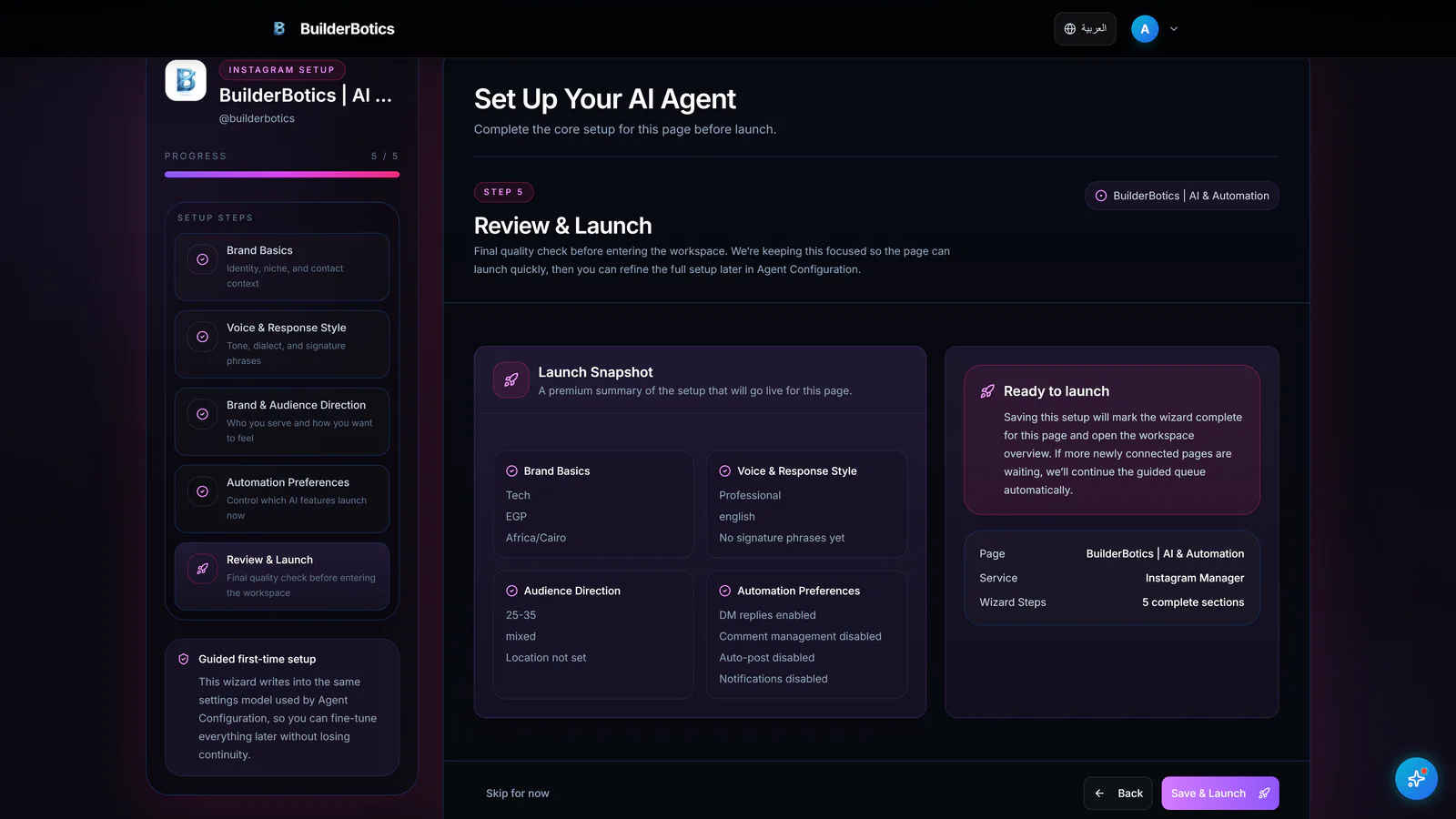
Business context • tone • automation settings
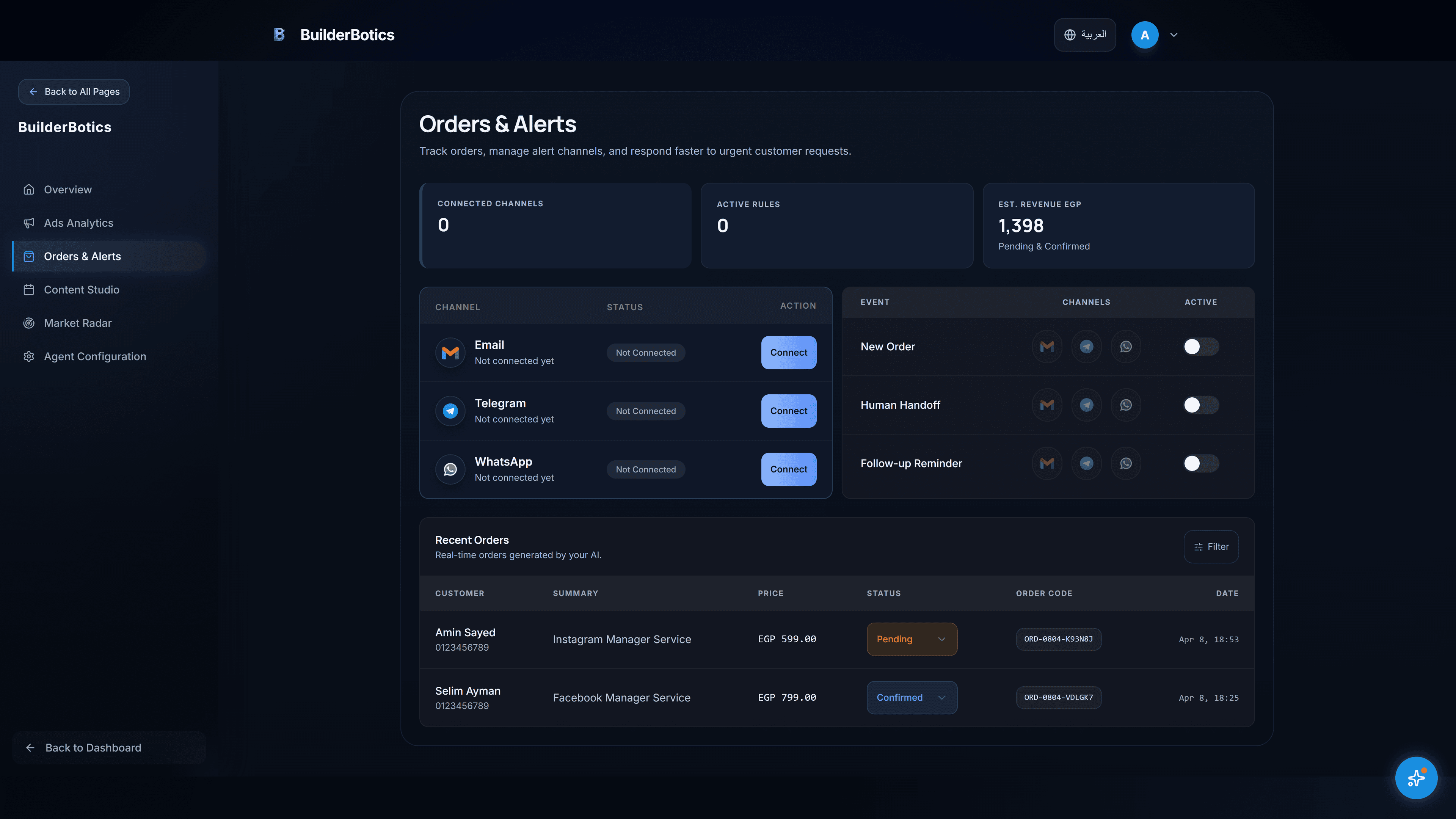
Follow-up and alerts
Surface cases that need attention and keep follow-up visible instead of relying on someone to remember every conversation.
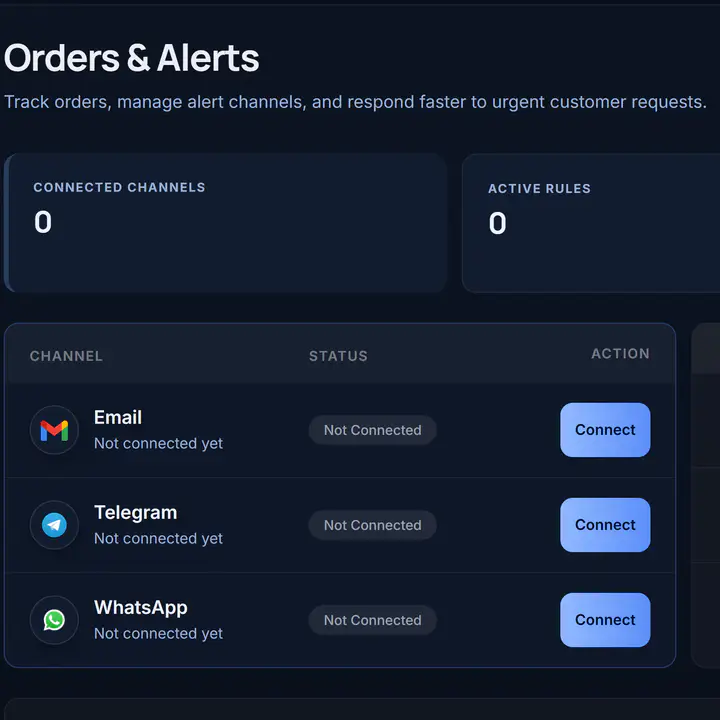
Channels • human handoff • follow-up reminders
Content workflow
Develop product and offer ideas, review the draft, and schedule content through the same workflow. Publishing is available where supported.
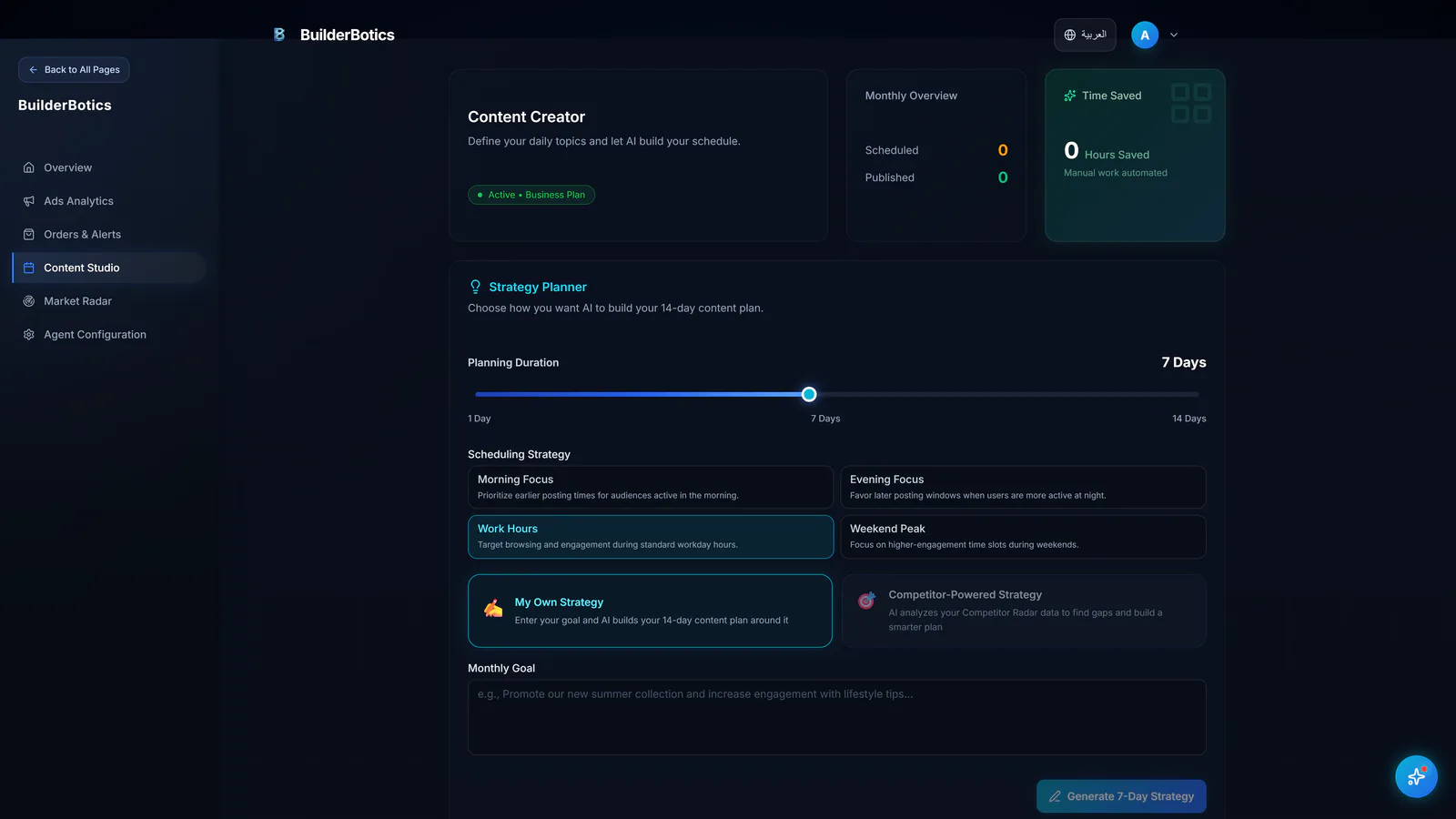
Plan • review • schedule
Running the day matters. Understanding what is happening around it matters too.
Market Radar
Review available public competitor activity, content themes, and offers in Market Radar to put your next decision in better context.
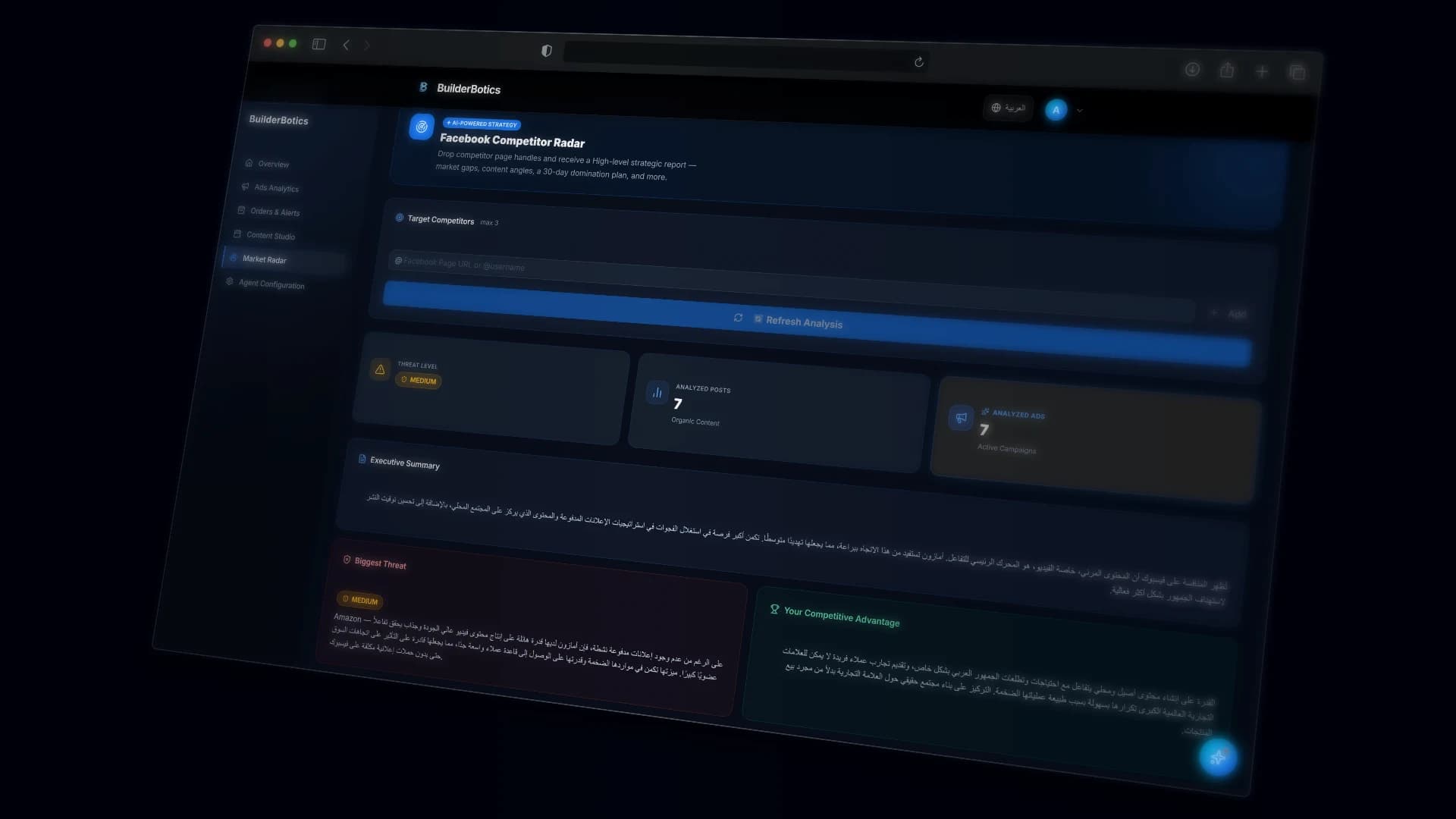
Public competitor activity and available content signals
Ads Analytics
Bring available campaign numbers into a clearer view so your team can see what deserves a closer look.
Review available campaign signals in a clearer workspace
Compare the campaigns and indicators that need attention without piecing together separate reports.
Performance Overview
Review available account, page, and content numbers to understand what is happening beyond individual conversations or campaigns.
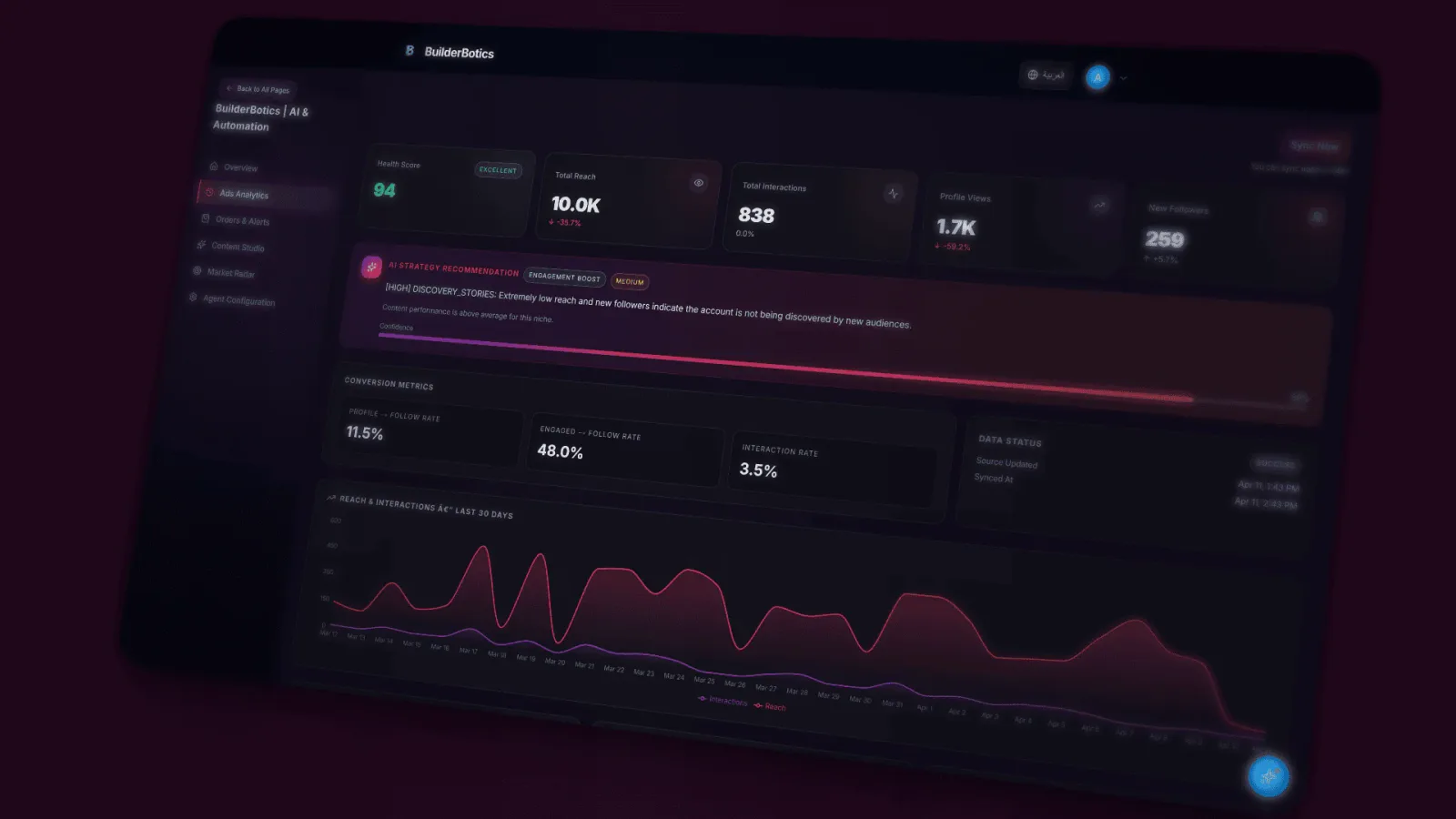
Available account, page, and content indicators
One connected workspace
BuilderBotics keeps conversations, follow-up, content, public competitor activity, campaigns, and performance connected without hiding the details that matter.
Operations
OPERATING LAYER
BuilderBotics
Operations + Intelligence
Intelligence
Before you start
A straightforward look at control, supported channels, and what to expect from the trial.
No. BuilderBotics brings assistant setup, content, follow-up and alerts, Market Radar, Ads Analytics, and the wider performance picture into one workspace.
Yes. You provide the business context, choose the response tone, and manage the available automation settings. You can adjust them whenever your needs change.
You can review and edit drafts, then set scheduling details before publishing. Publishing capabilities may vary by channel and plan.
BuilderBotics provides operating areas for Facebook and Instagram. Individual capabilities can vary by channel and plan.
Setup is guided, from connecting an account to configuring the assistant and enabling the tools that fit your operation.
No. You can start the 7-day free trial without a credit card.
Pricing
Explore BuilderBotics for 7 days without a credit card, then compare the plans and supported channels for your business.
Plans start at
$29
per month, depending on the selected plan
Start with a clearer workflow
Start your 7-day free trial, then configure the assistant, content workflow, and follow-up around the way your team works.
No credit card • Guided setup