Messages and replies
Recurring questions still need the right business context and tone.
For agencies and marketing teams running recurring work across Facebook and Instagram
Keep assistant setup, content, follow-up, public competitor checks, ad results, and the wider performance picture together—so your team repeats less work.
No credit card • Guided setup • Capabilities vary by channel and plan
CLIENT OPERATING DESK
Illustrated operating map
The weight of recurring operations
The problem is not a lack of tools. It is that replies, content, follow-up, and review become separate islands that consume the team’s time before strategic work begins.
Recurring questions still need the right business context and tone.
Ideas, drafts, reviews, and publishing dates repeat every cycle.
Competitors, campaigns, and performance need a clear review path.
Agency Operating Desk
This is an operating model, not a client portal or CRM. Each step moves the team from context to delivery, then follow-up and visibility.
OUTPUT
A clearer assistant context
Select any step to review its role
The delivery layer
Define the context, then keep human review where it matters.
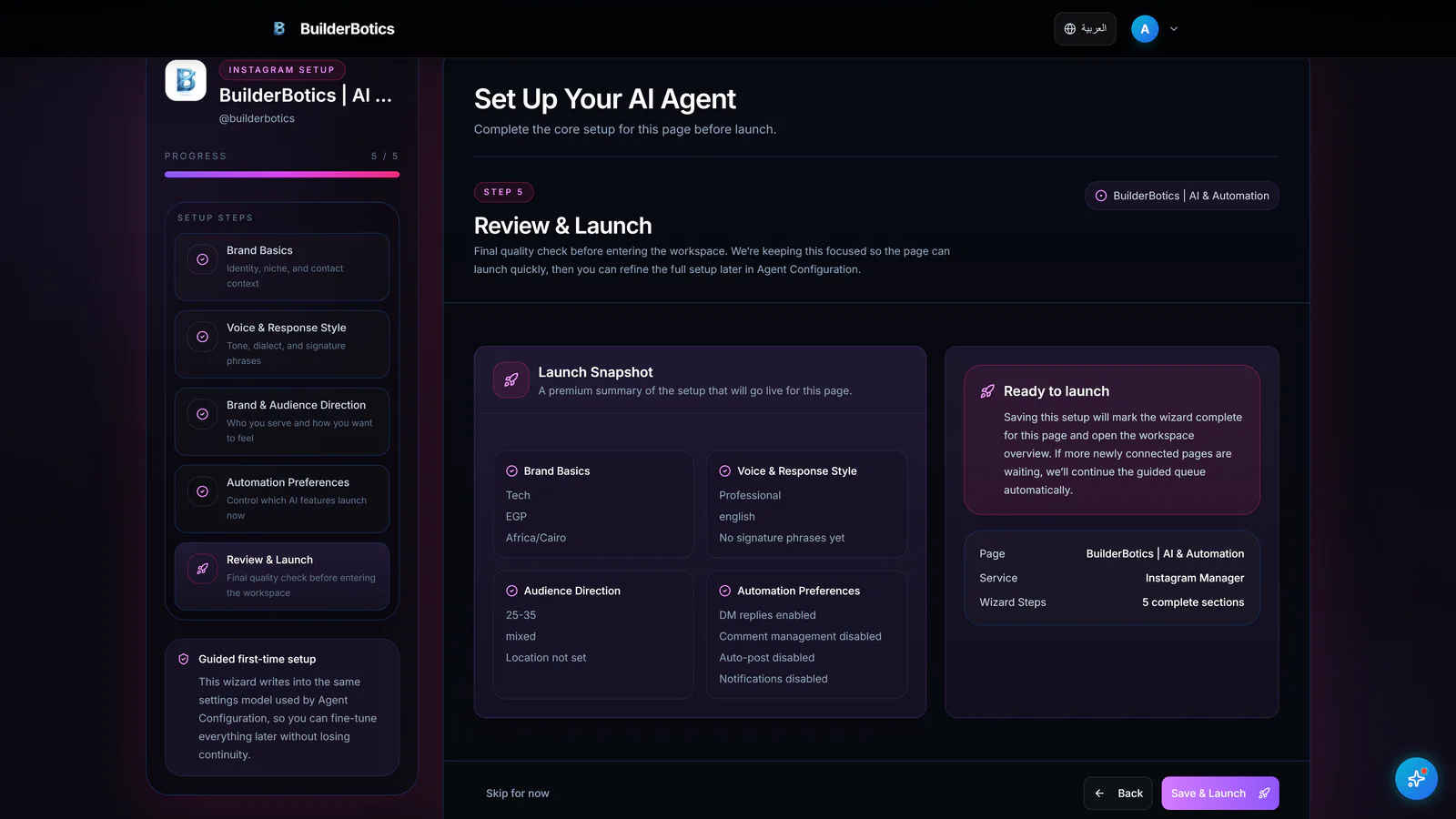
Business context • Persona • Response tone
AI Assistant
Define business information, assistant persona, response tone, and supported automation settings, then revisit them as the operating approach changes.
Details and availability vary by channel and plan.
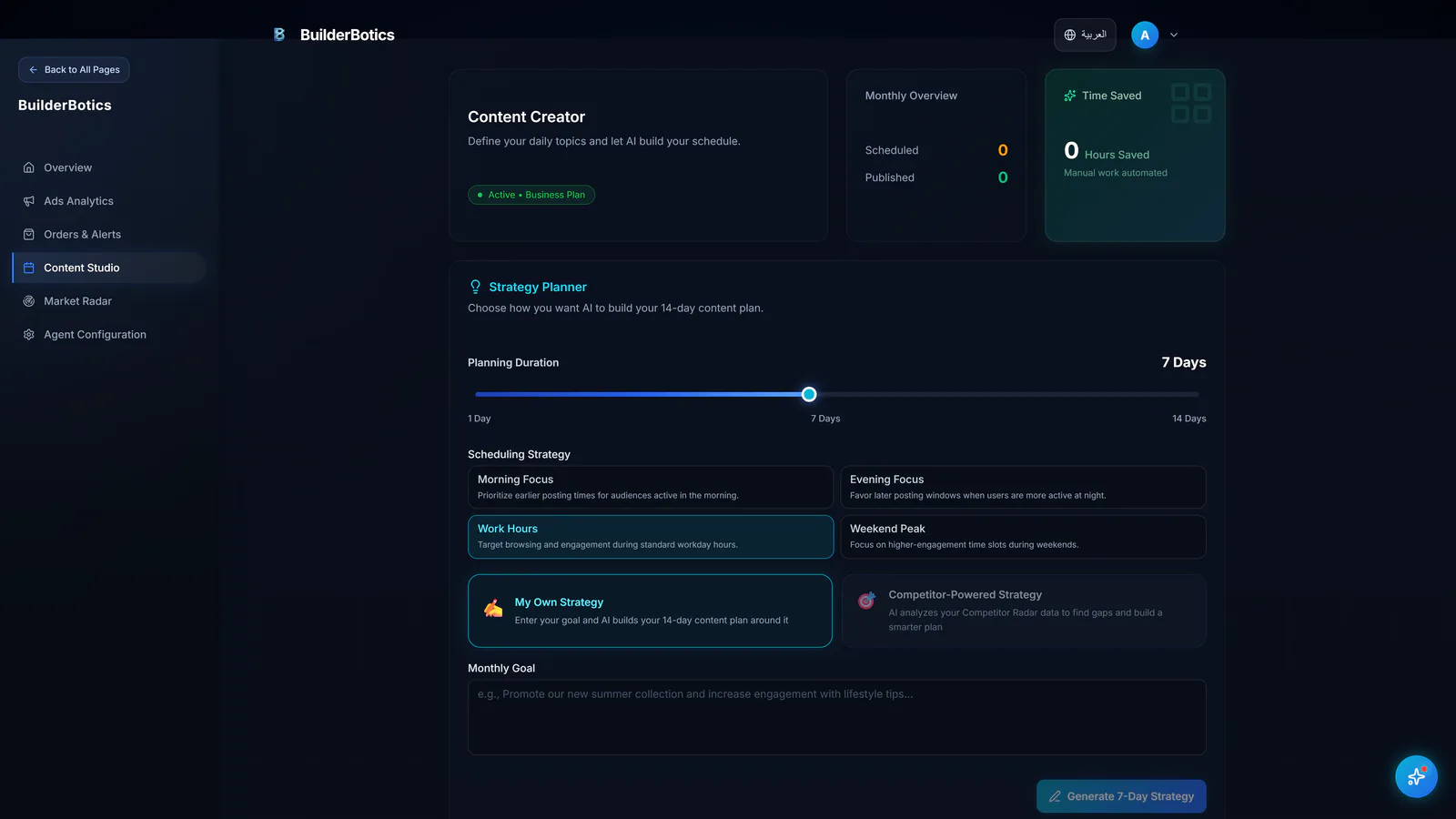
Create • Review • Edit • Schedule
Content Workflow
Create ideas and drafts, review and edit them, then set the appropriate schedule. Publishing is available where supported.
Details and availability vary by channel and plan.
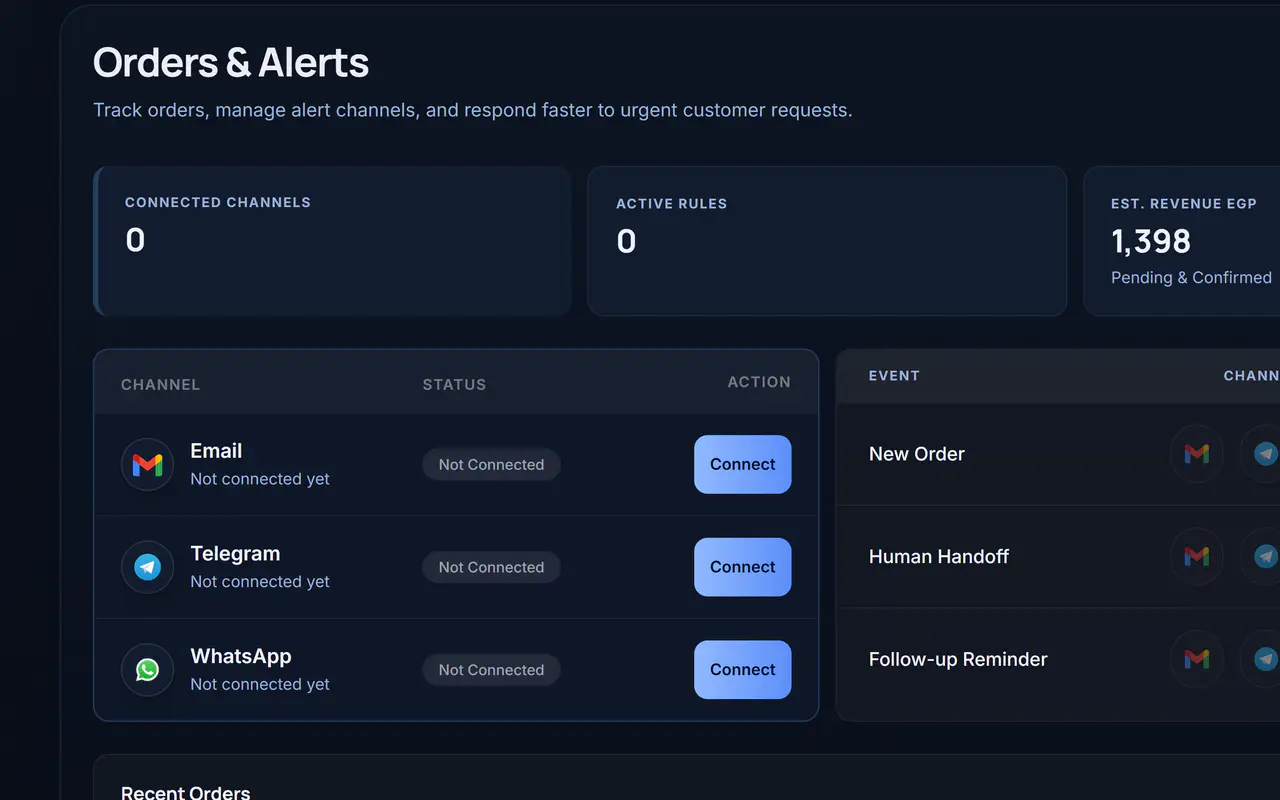
Human handoff • Alerts • Follow-up
Follow-up & Alerts
Keep human-handoff cases, alerts, and follow-up visible to the team. Capabilities and channels vary by plan.
Details and availability vary by channel and plan.
The visibility layer
Market Radar surfaces available public competitor activity. Ads Analytics focuses on campaigns. Performance Overview adds broader account, page, and content context.
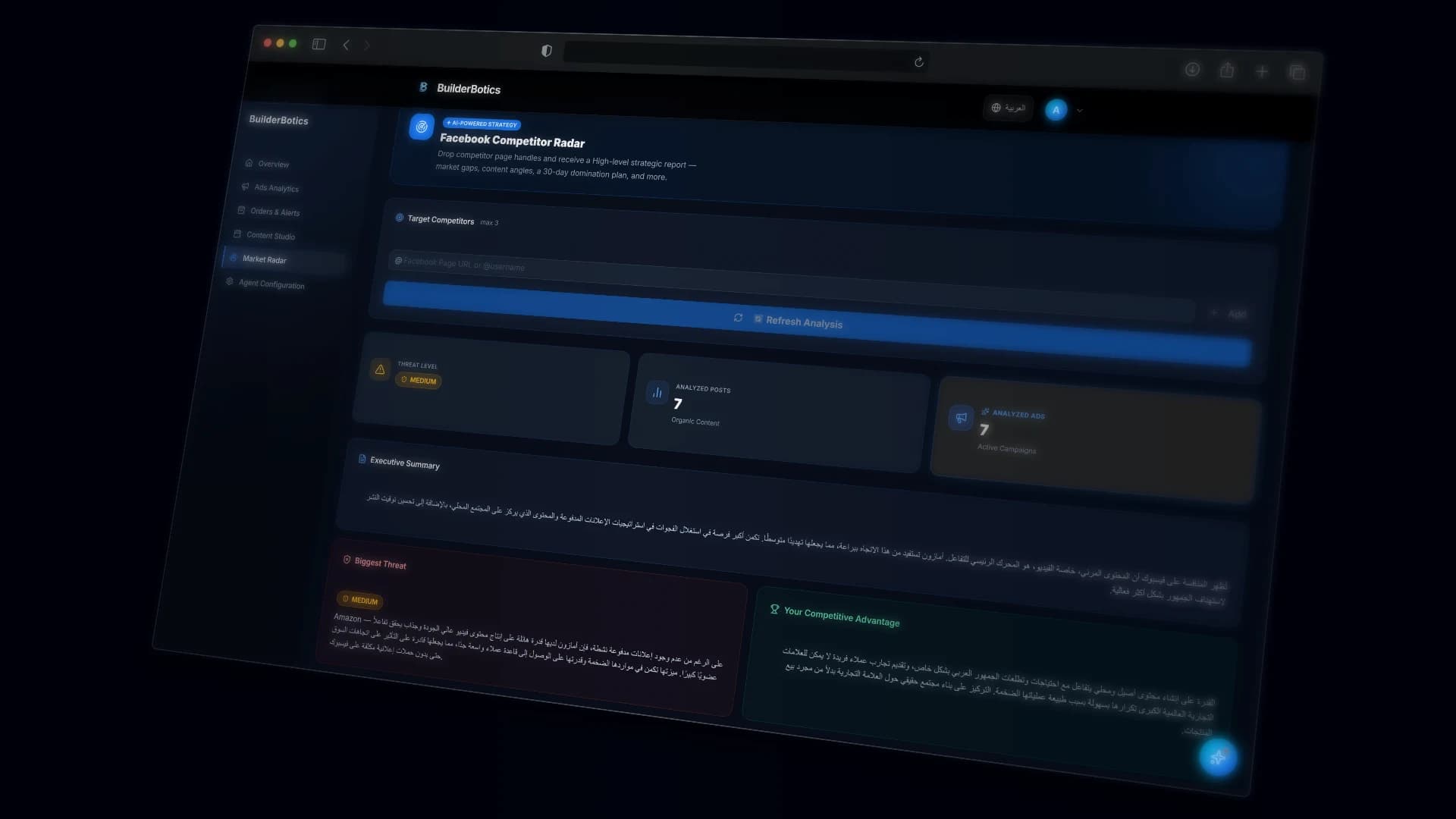
Market Radar
Review available public competitor activity, content, and offers, then notice themes and positioning before preparing the next content cycle.
Based on available public data within supported capabilities.
Ads Analytics
Review campaign status, spend, available results, and cost per result. This does not imply automatic campaign optimization.
Performance Overview
Review available indicators to understand broader activity instead of treating one campaign as the entire picture.
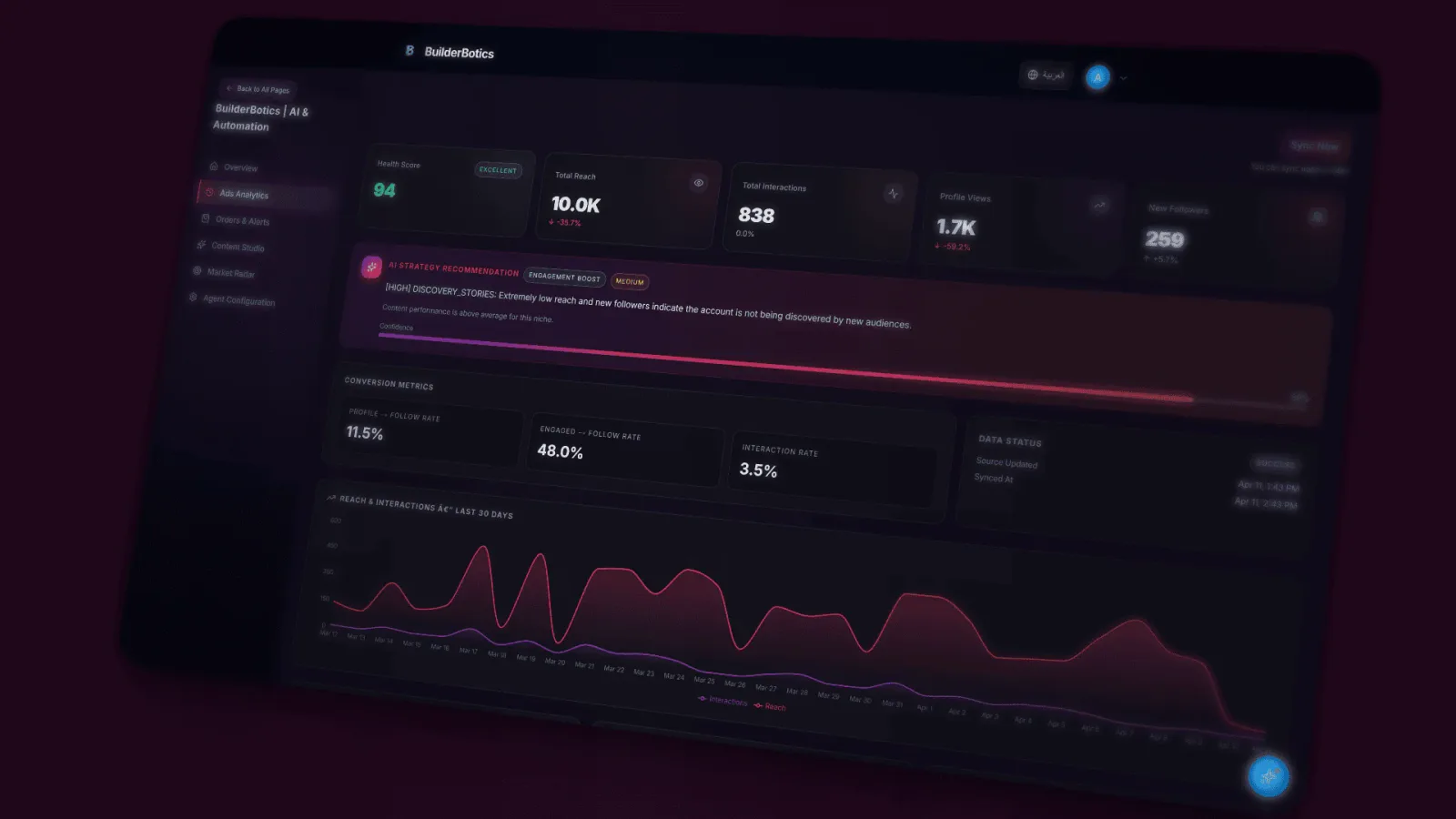
One connected workspace
BuilderBotics connects the workflows that repeat every day, while the team keeps ownership of client relationships, professional judgment, and strategy.
BuilderBotics
A shared view of recurring work and marketing performance
Clear boundaries from the start
Direct answers about control, review, and where the operating workspace stops.
No. BuilderBotics organizes recurring operating work and marketing visibility, but it is not positioned as a full CRM or agency project-management replacement.
We do not claim those capabilities here. This page covers verified assistant setup, content, follow-up, Market Radar, Ads Analytics, and performance visibility.
Business information, assistant persona, response tone, and supported automation settings can be configured and reviewed when needed.
Yes. Drafts can be reviewed, edited, and scheduled. Publishing capabilities vary by channel and plan.
We do not claim automatic optimization. Ads Analytics helps teams review available campaign indicators such as status, spend, results, and cost per result.
No. It relies on available public activity and content within supported capabilities.
No. You can start the 7-day free trial without a credit card.
Pricing
Try BuilderBotics for 7 days without a credit card. Capabilities and usage limits vary by plan and channel.
Plans start at
$29
per month, depending on the selected plan
Start with the next operating cycle
Start your 7-day free trial, then shape the assistant, content workflow, and follow-up around how your team operates.